 lakeisaa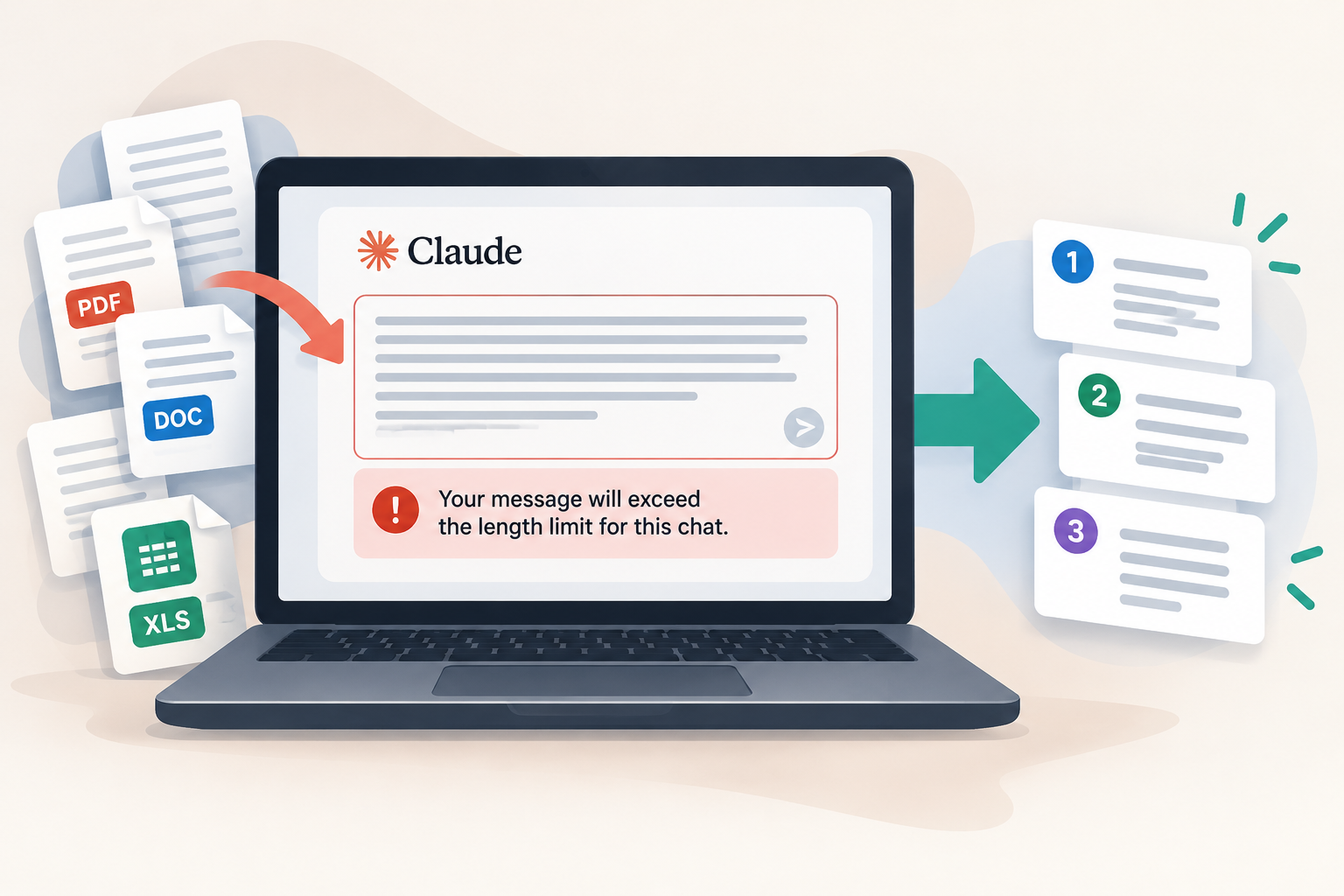
If you are seeing “Your message will exceed the length limit for this chat” in Claude, you are not alone. This usually means your message, attachments or existing conversation contain too much information for Claude to process at once. Here is how to fix it.
“Your message will exceed the length limit for this chat.”
Why this happens
Claude has limits on how much information it can process in a conversation. Large documents, multiple attachments and lengthy chat histories can contribute to the limit. You do not necessarily need to delete your work or upgrade your plan to resolve the problem.
How to fix it
- Remove unnecessary attachments. If your message contains several PDFs, documents or other files, remove anything you do not need for the current task. Try sending the request with just the most relevant file.
- Split large documents into smaller sections. Instead of pasting an entire report into one message, divide it into manageable sections. Ask Claude to summarise each section and combine the summaries once all sections have been processed.
- Start a new conversation. If your existing chat has become very long, ask Claude to create a handover summary of your objective, key decisions, completed work and next steps. Open a new chat, paste the summary and continue from there.
Tip: Before starting a new chat, use this prompt in your existing conversation: “Create a concise handover summary of this project, including the objective, important facts, decisions, work completed and next steps. Preserve essential details so I can continue in a new conversation.”
Still not working?
- Check Claude’s service status: Visit Anthropic’s status page to see whether a service issue has been reported.
- Try a fresh browser session: If the error persists with a short message and no attachments, try refreshing Claude, opening a private browsing window or using another supported browser.
- Check the exact error: If Claude stops halfway through a response or reports a usage limit, you may be experiencing a different problem. Consult Claude’s official troubleshooting guide.
FAQ
Will starting a new Claude chat delete my old conversation?
Starting a new chat does not ordinarily delete your previous conversation. You can usually return to it through your chat history, unless it has been deleted or is unavailable for another reason. Copy important information into your new chat before continuing.
Does upgrading my Claude plan fix the length limit?
Not necessarily. Usage limits and context or message-length limits are different. A different plan or model may offer different capabilities, but upgrading does not guarantee that every length error will disappear.
Why does Claude say my message is too long when it is only a few sentences?
Your existing conversation or attached files may contribute to the amount of information Claude needs to process. Try removing attachments or continuing in a new chat with a concise summary.
Will uploading documents to a Claude Project fix the problem?
A Project can help organise reference documents for ongoing work, but it does not remove all context limits. You may still need to narrow your request or process large documents in sections.
Did the fix work? Let us know in the comments below. If you’re still having trouble, tell us what happened and we’ll do our best to help. Troubleshooting guidance reviewed against Anthropic’s official documentation on 23 October 2026. Not independently tested across devices.
Official sources: Claude error troubleshooting · File uploads · Usage and length limits.